- Do not use your iPhone mobile phone while using the charger
- Use an electrical protector to prevent breakdowns and electrical fluctuations
- Use original and quality chargers
- Keep the iPhone LCD in a cool and dry environment away from the sun and heat
- Be sure to use a frame and screen protector to prevent LCD damage
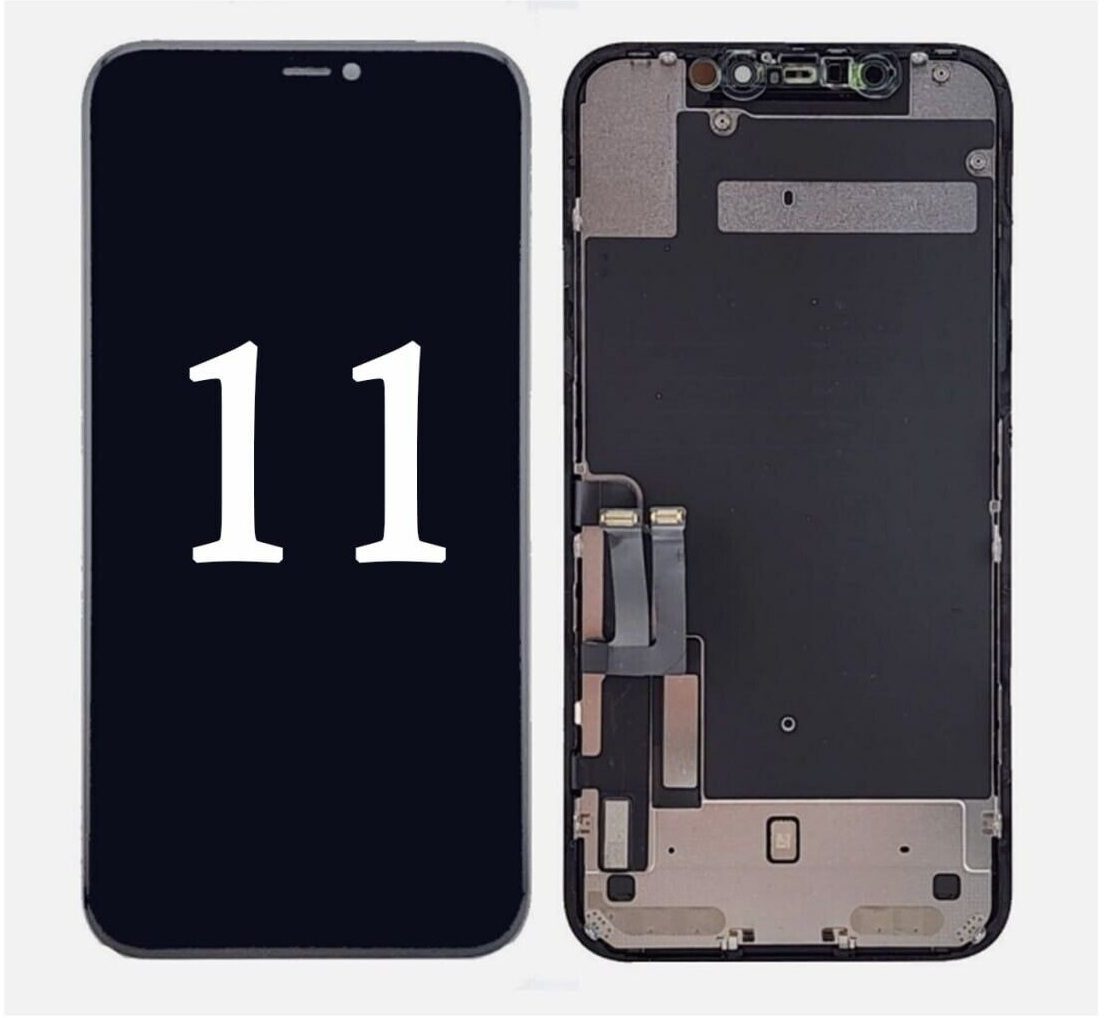
Learn about how to replace the iPhone touch and LCD
- To replace the iPhone LCD, you need a separating tool, a special screwdriver, and a screen adhesive remover
- Get help from sites like Aparat to view LCD replacement tutorial
- Be sure to use a valid LCD as a replacement LCD.
- If you do not have enough knowledge in this field, we recommend you to view the relevant tutorial or use the iPhone mobile phone repair service in our collection.
Ask for all kinds of iPhone spare parts and parts from Baymo.





هیچ دیدگاهی برای این محصول نوشته نشده است.